01CONNECT
Connect Apple Health
After you grant access, Spumpy imports workout duration from the previous seven days.
NOW ON THE APP STORE · IPHONE + IPAD
Spumpy connects to Apple Health and converts every 30 verified minutes into a token. Use those tokens to unlock complete Spumpy looks, equip a favorite, and keep progressing through games with friends.

MYTHIC 07Aurora Seraph
01 / 07
OVERVIEW
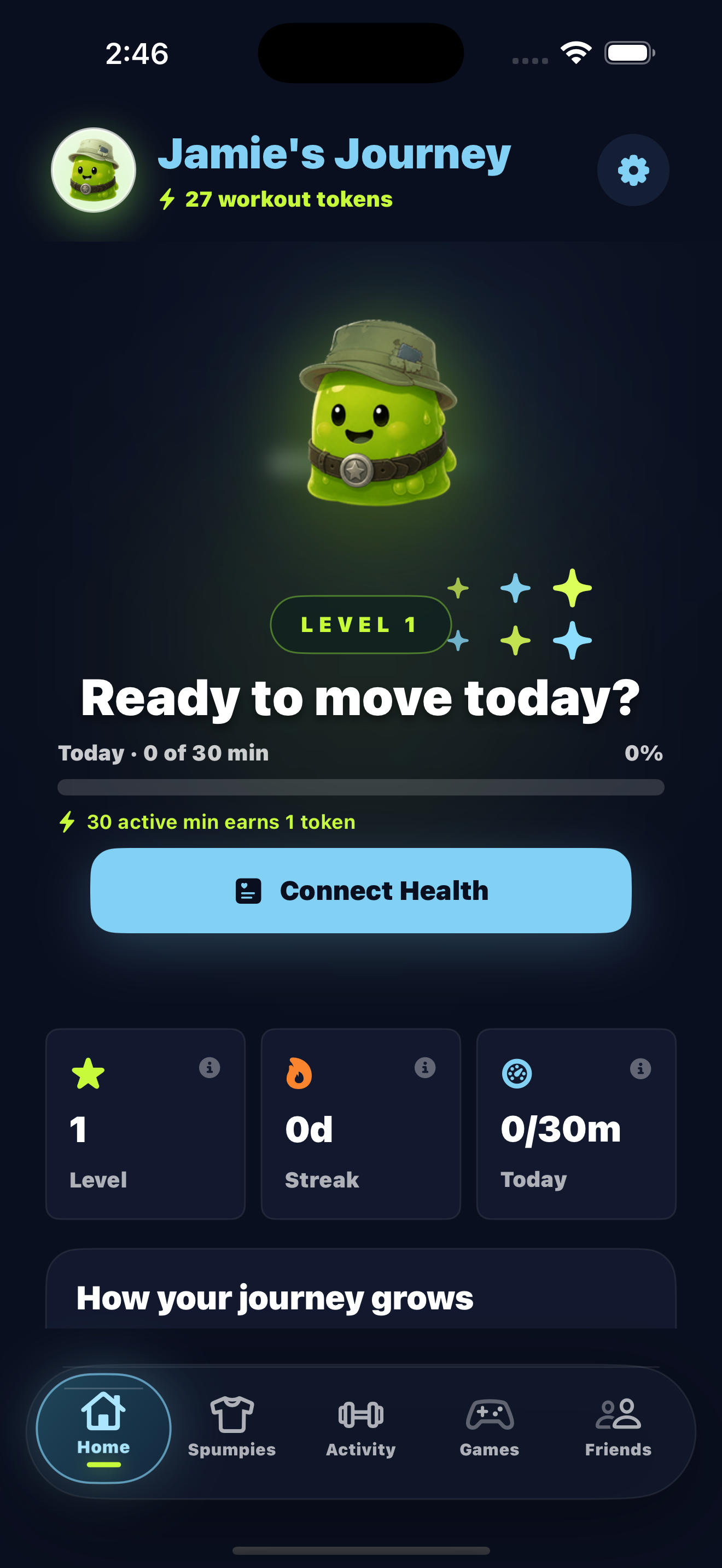
Connect Apple Health or upload a workout photo. Every 30 verified minutes earns one token.
WorkoutsSpumpy counts verified workout minutes.
RewardsUse tokens to unlock complete Spumpy looks.
 OVERVIEW
HOW REWARDS WORK
Connect Apple Health once, then Spumpy turns each complete 30-minute block of verified activity into one token you can use to unlock a new Spumpy look.
After you grant access, Spumpy imports workout duration from the previous seven days.
Running, lifting, swimming, and other logged workouts all contribute active minutes.
Every 30 active minutes earns one token that you can use to unlock a complete Spumpy look.
Invite friends, build a shared total in Friend Relay, or compete in a Step Stakes duel.
WORKOUT PIPELINE
Spumpy reads duration from recent workouts, applies the same 30-minute reward rule every time, carries partial progress forward, and updates your balance on the phone.
01Seven-day lookbackRecent workouts are imported whenever you sync.02Deterministic rewardsEach complete 30-minute block creates one token.03Verified manual uploadNo watch is required; a fresh camera photo can verify activity.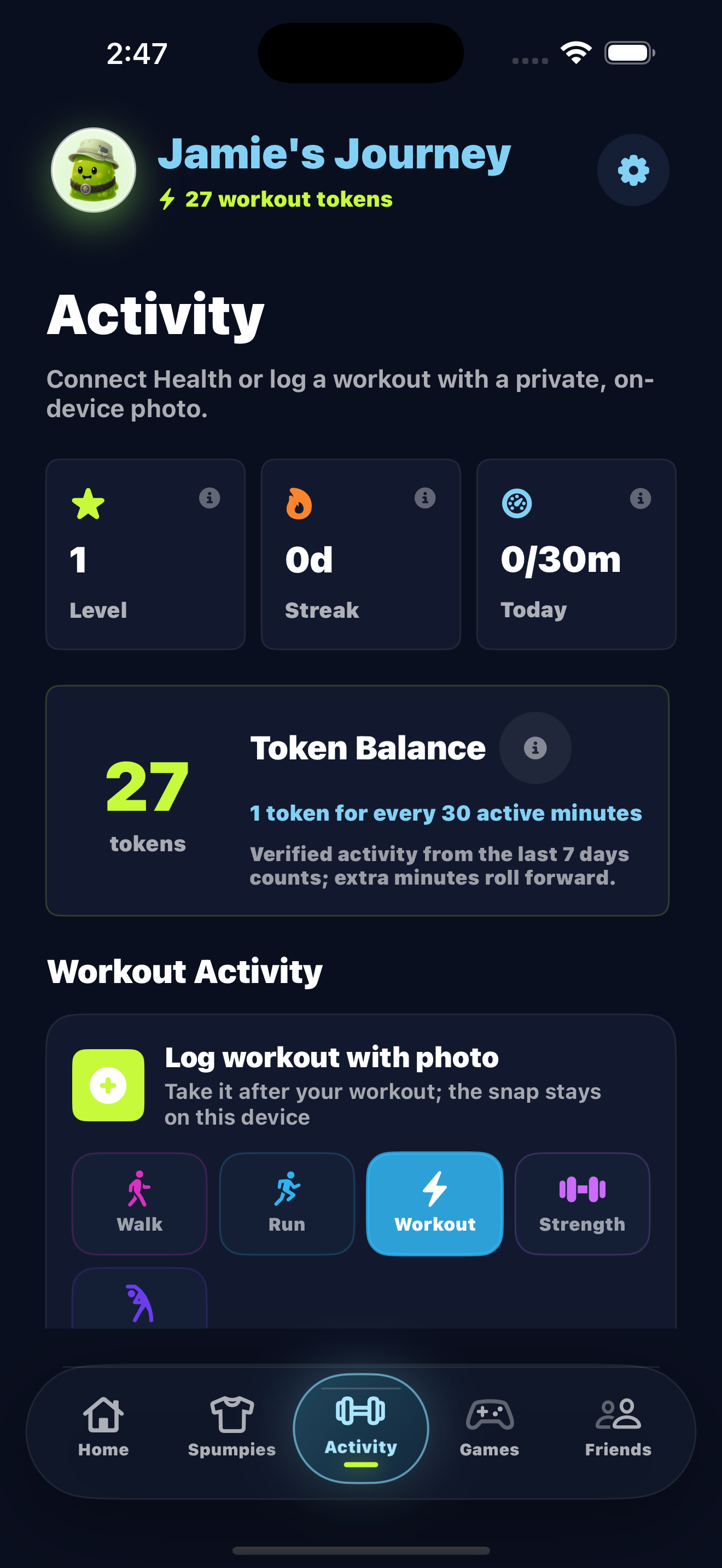
SPUMPY COLLECTION
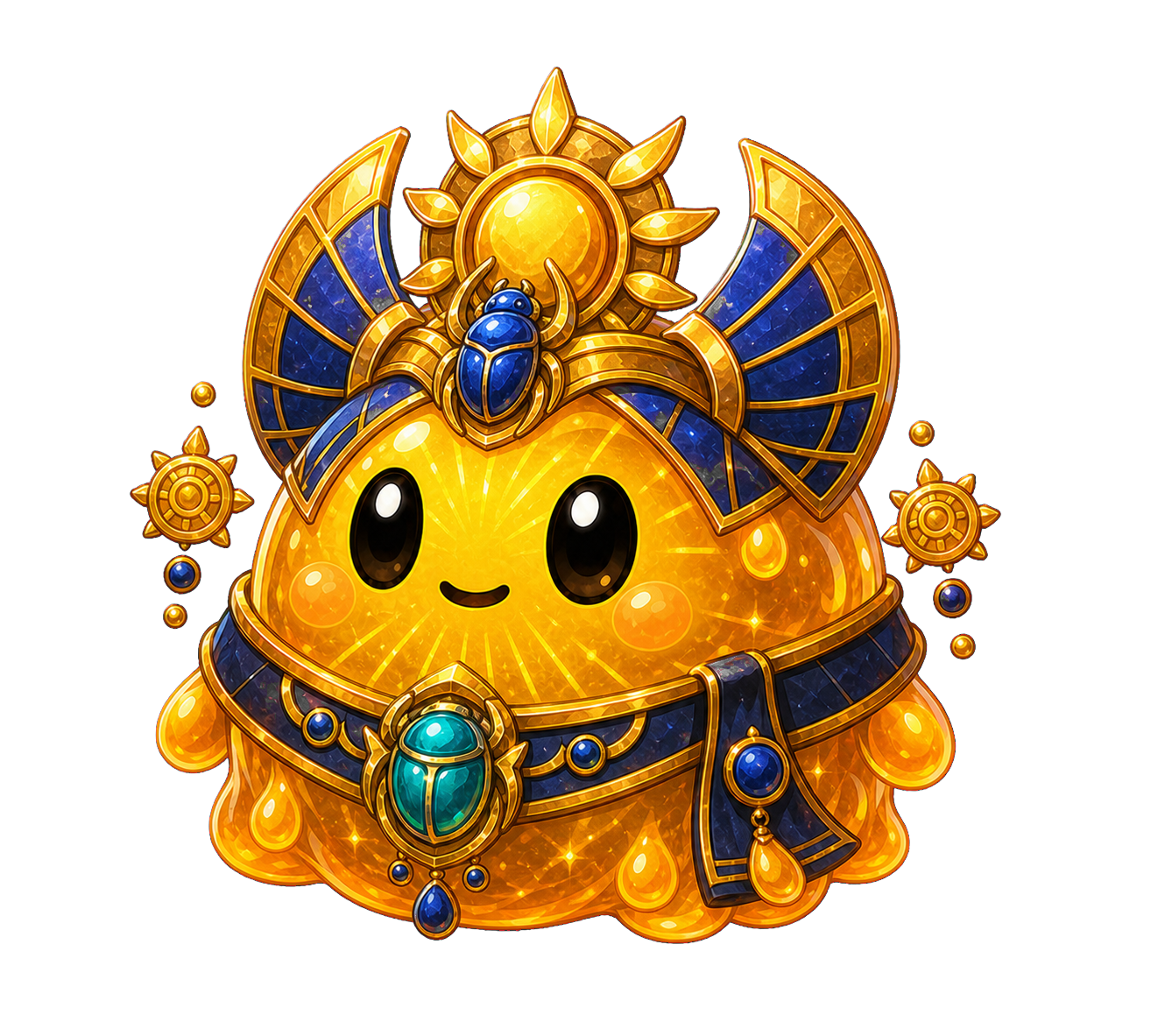
Each Spumpy is a finished character design that unlocks as one complete look. Use workout tokens to unlock new Spumpies, equip one at a time, and pin favorites for quick access.
 Sunscarab
 DreamcapAurora Seraph
 Moonveil
 Inferno Core
THE APP
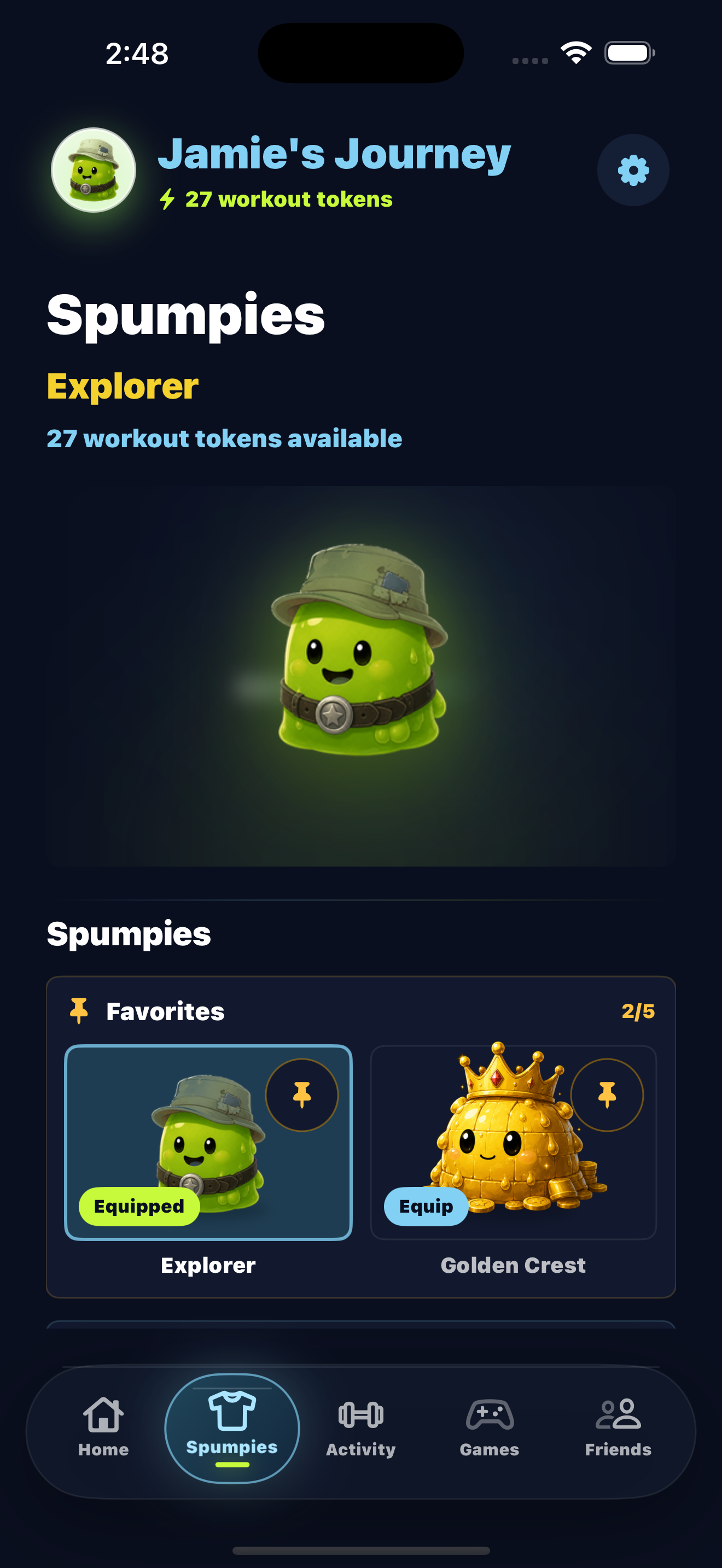
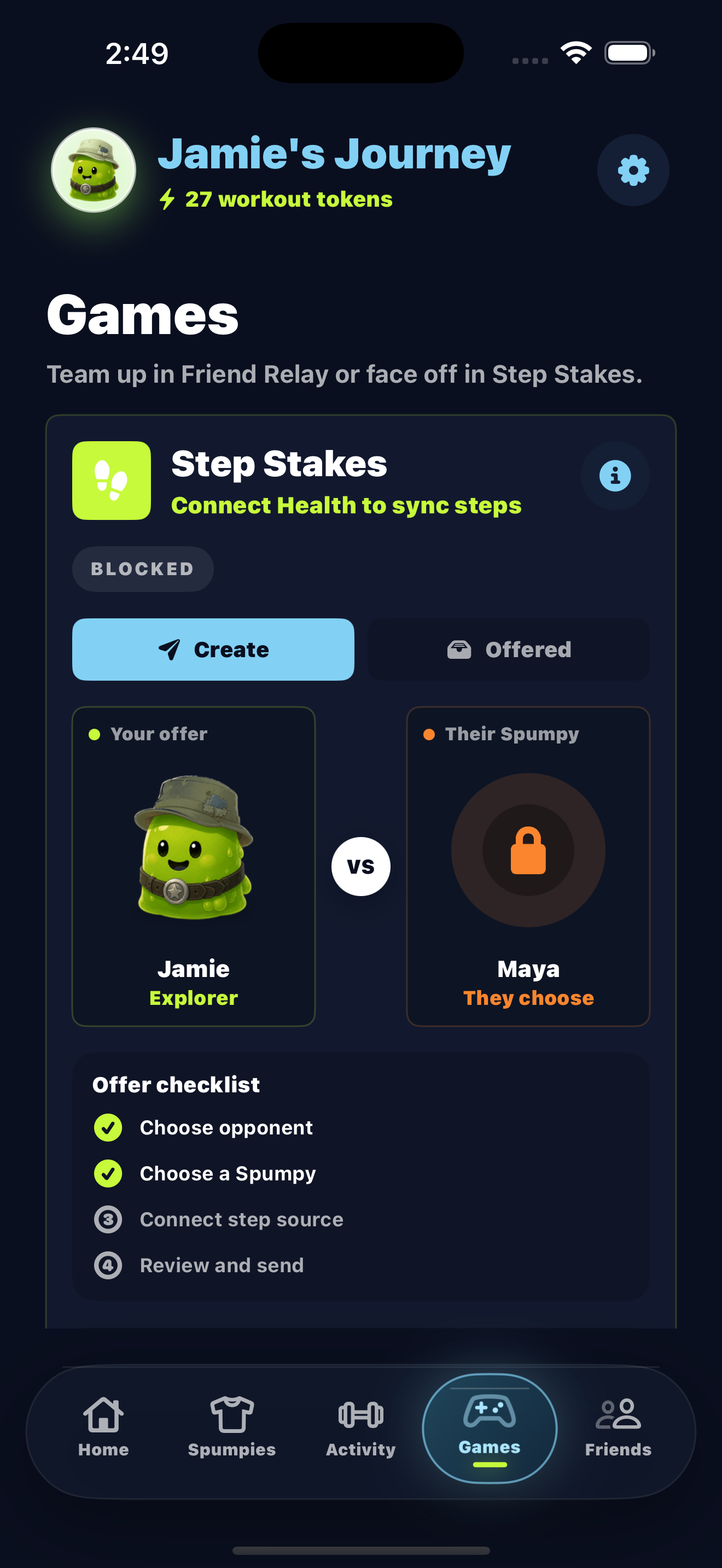
The home screen shows today's goal, Activity explains where each token came from, and Spumpies keeps track of complete looks and pinned favorites.
FRIEND GAMES
Friend Relay combines both players' workout minutes into one shared goal, while Step Stakes turns daily steps into a head-to-head challenge.
Both players contribute workout minutes to the same target.
Start a 24-hour duel and compare Apple Health step totals.
TECHNICAL DESIGN
Raw health records stay on the phone; only the compact reward and game state required for friend features is synced.
spumpy / workout-pipelineSOURCEApple HealthKit · verified manual upload
LOOKBACKPrevious 7 calendar days
REWARDfloor(active minutes ÷ 30)
ROLLOVERUnused minutes remain on device
FRIENDSReward + game summary only
workout durationlocal calculationoptional summaryHEALTH DATA
Spumpy reads workouts locally to calculate active minutes and tokens. Friends never see raw health records; after you accept someone, the app shares only the small progress summary required for the game you are playing. Workout photos remain local unless you deliberately send one to a specific friend.
AVAILABLE NOW · APP STORE
Get Spumpy free from the App Store and turn your next workout into progress.
Download on the App Store ↗APP STORE
Scan with your iPhone camera to download Spumpy from the App Store.